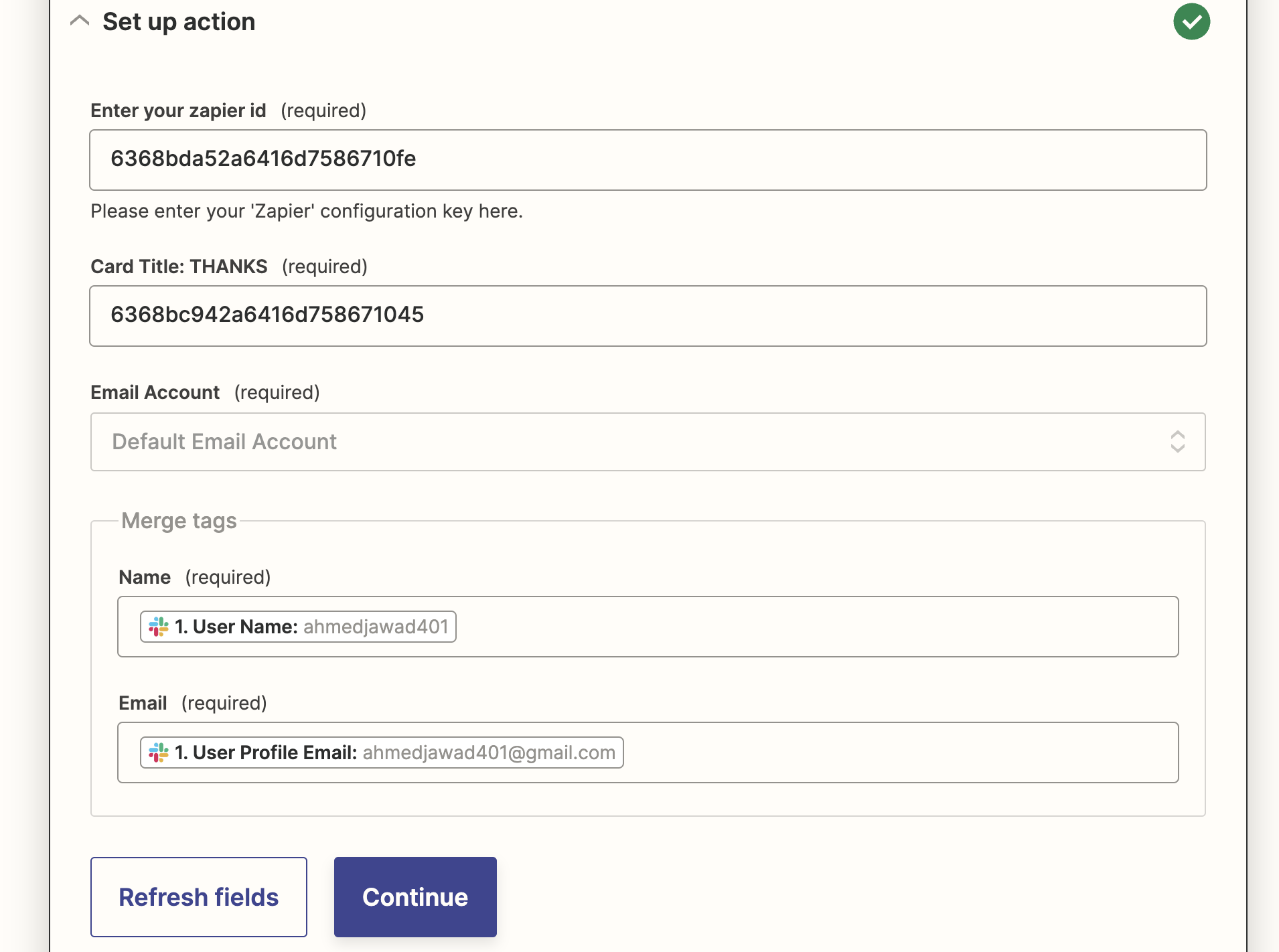
Step 1: Login to Zapier
Make sure you are logged in to your Zapier account.Step 2: Create a zap and set up a trigger
Choose your trigger app. It can be any app of your choice.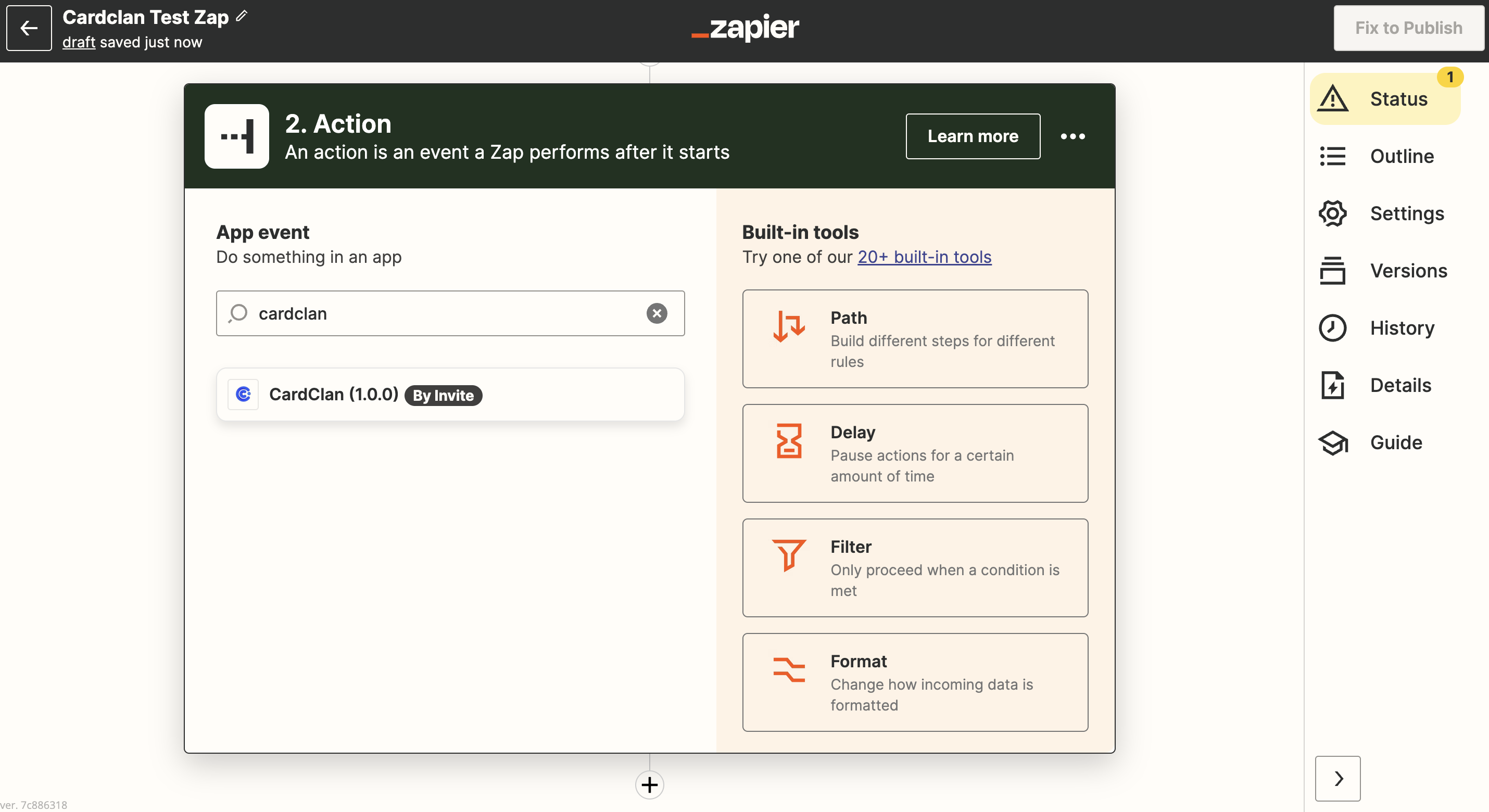
You will not find CardClan in the triggers because it can only be set up as an action.
Step 3: Set up CardClan as an action
Once you are done setting up triggers:- Go to Actions and search for CardClan
- Choose CardClan and select Event
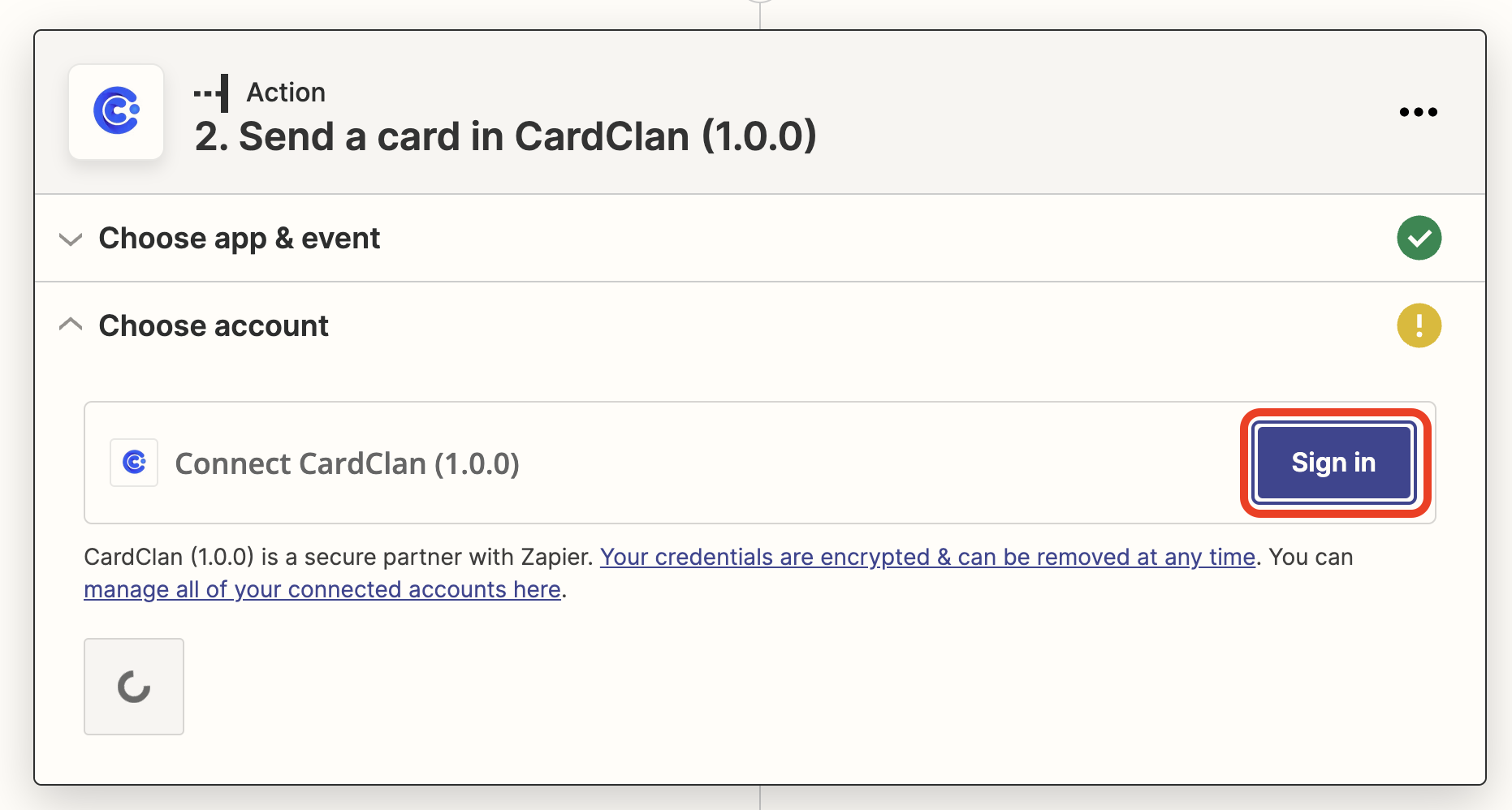
Step 4: Connect your CardClan account
- Click Sign in
- Enter your API key here
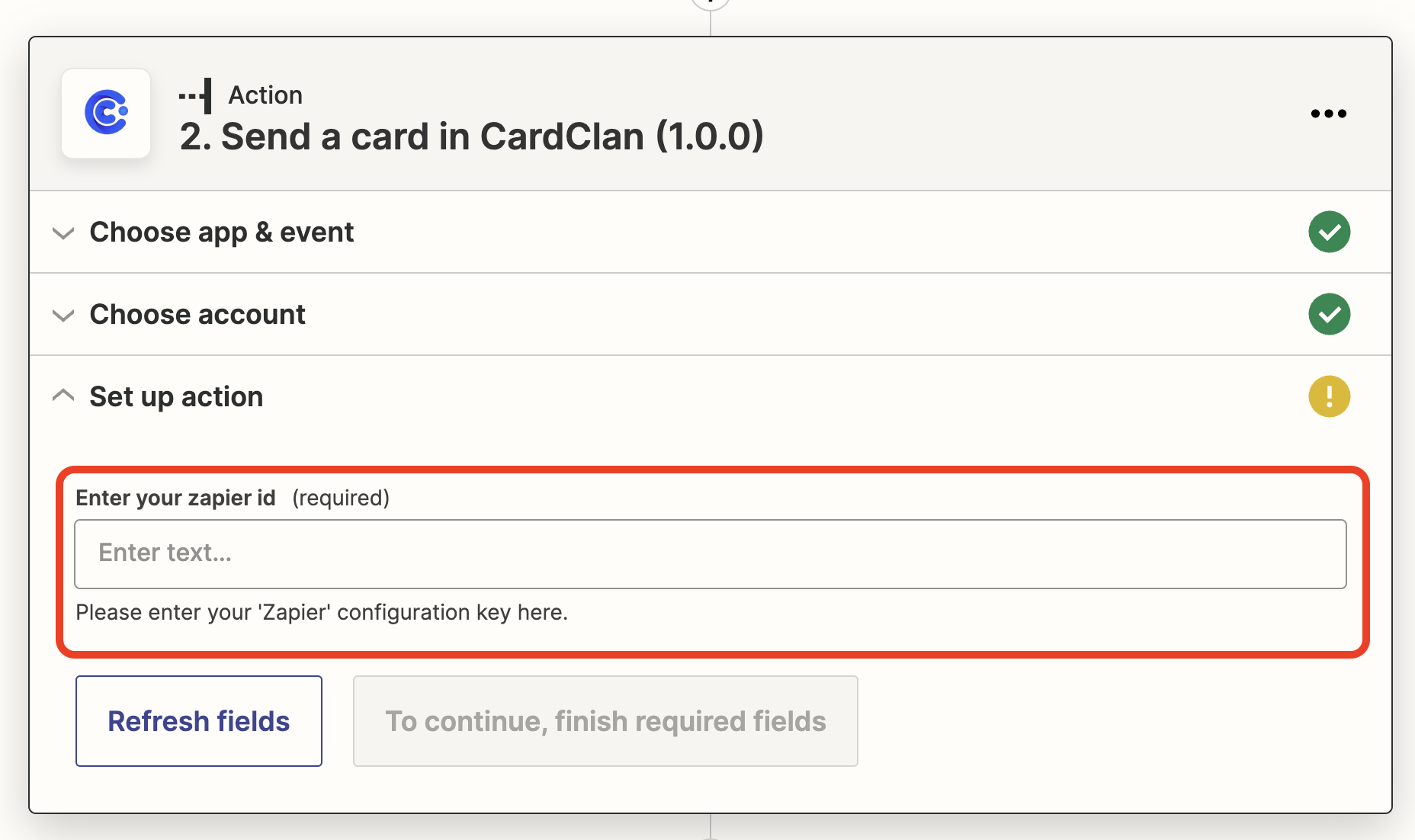
Step 5: Enter your Card ID
You need to create a card first and then paste its ID here.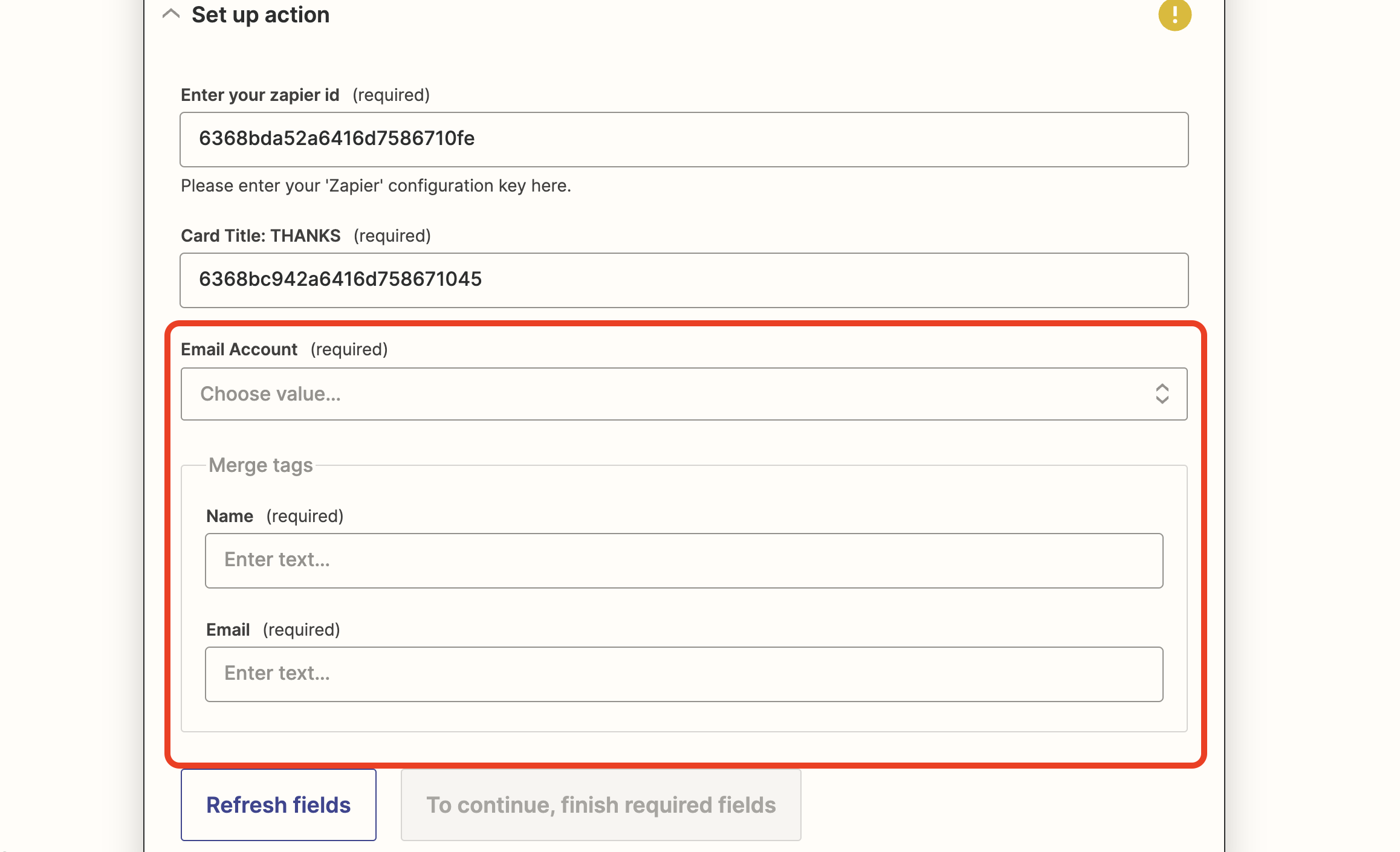
- Choose your Sender email account
- Search and add a Name and Email from your trigger app
- Hit Continue and Test your Action
- Then Publish it