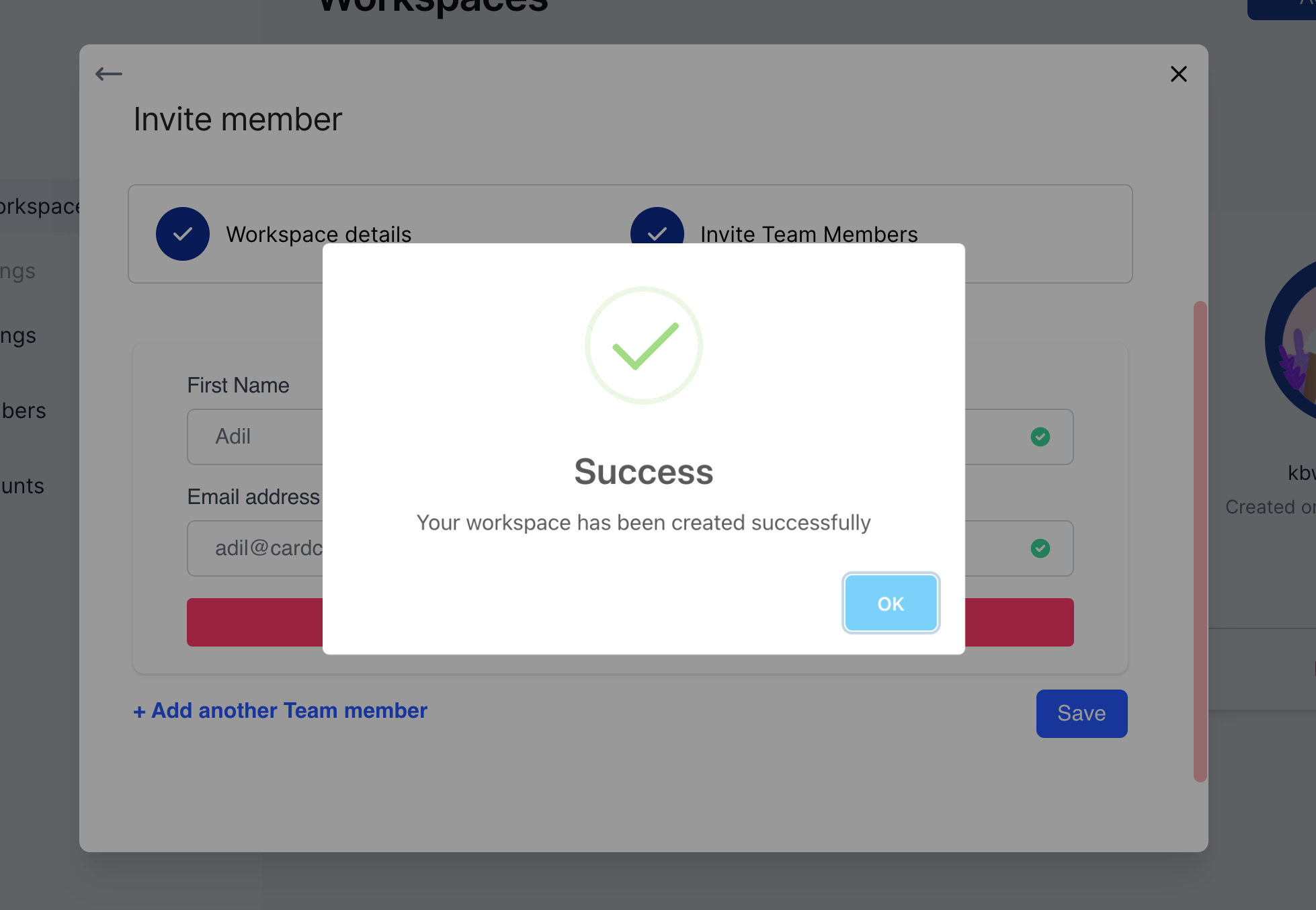
Step 1: Access the workspace menu from the settings
Click on “Manage Workspaces”.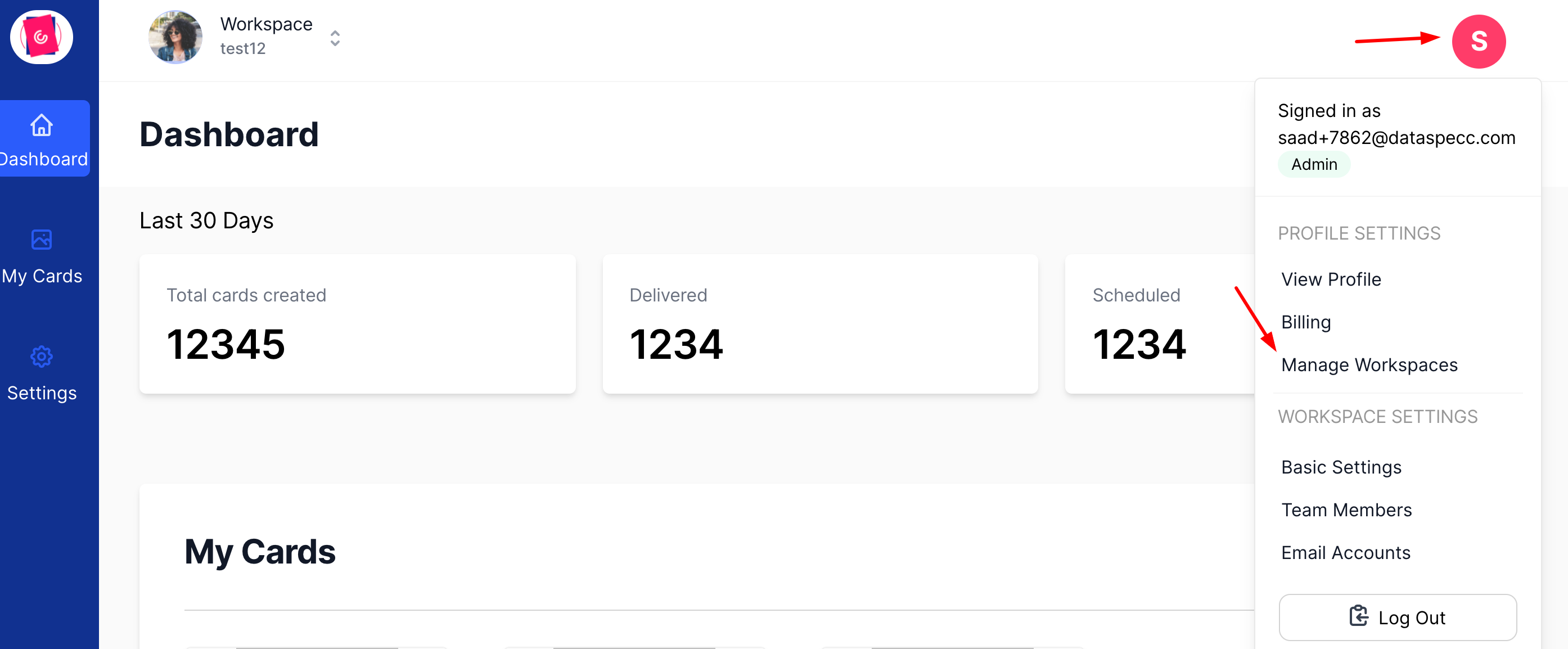
Step 2: Add a new Workspace
Click on the “Add new workspace” button on the top right.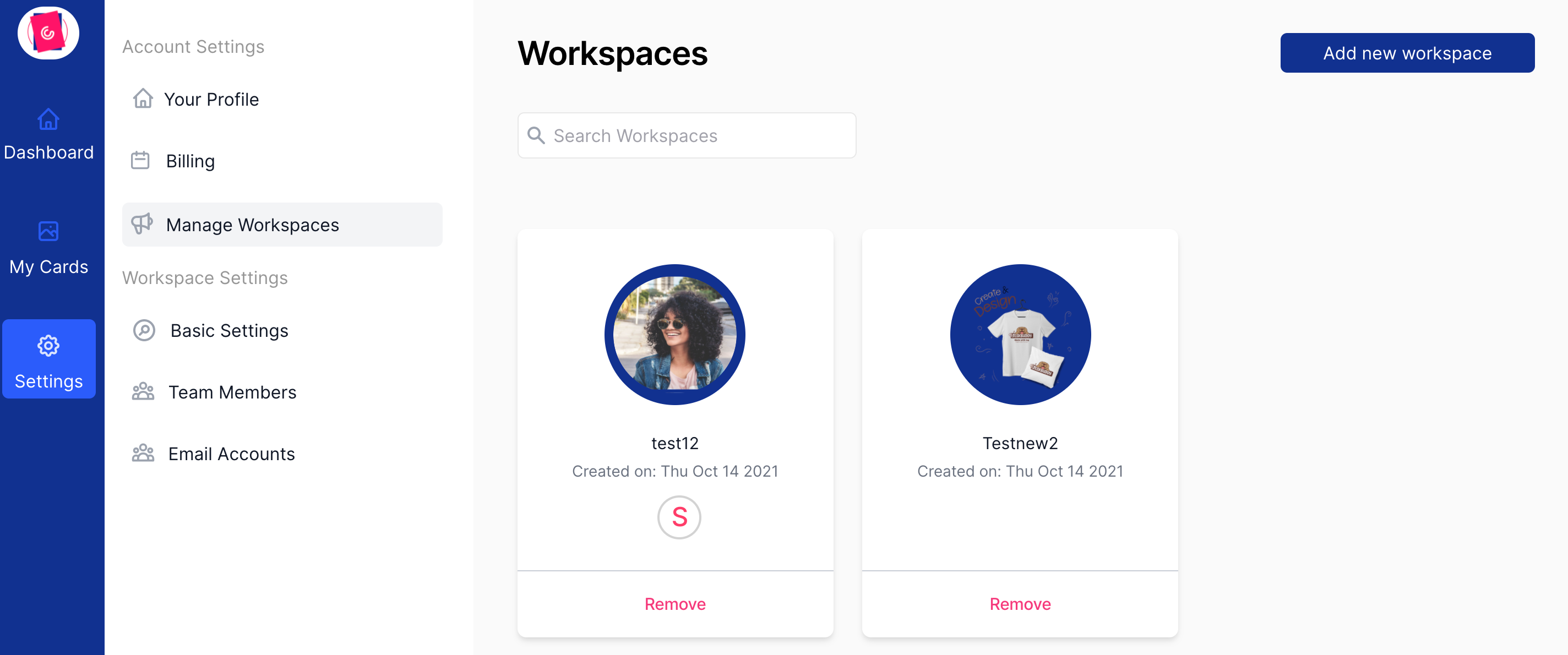
Step 3: Workspace Name
Set your workspace name and upload a workspace image to make it easily identifiable. A logo of the brand can work well.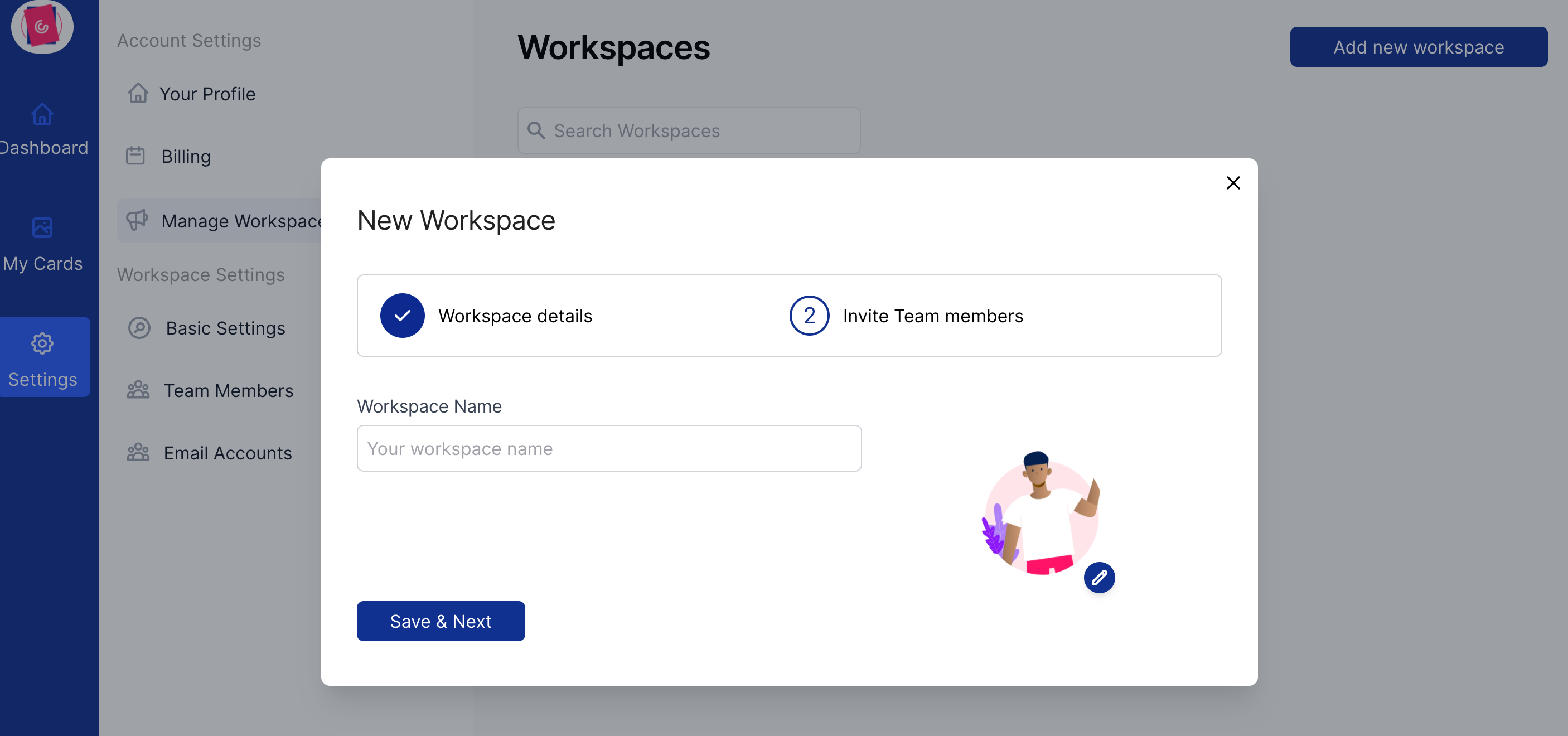
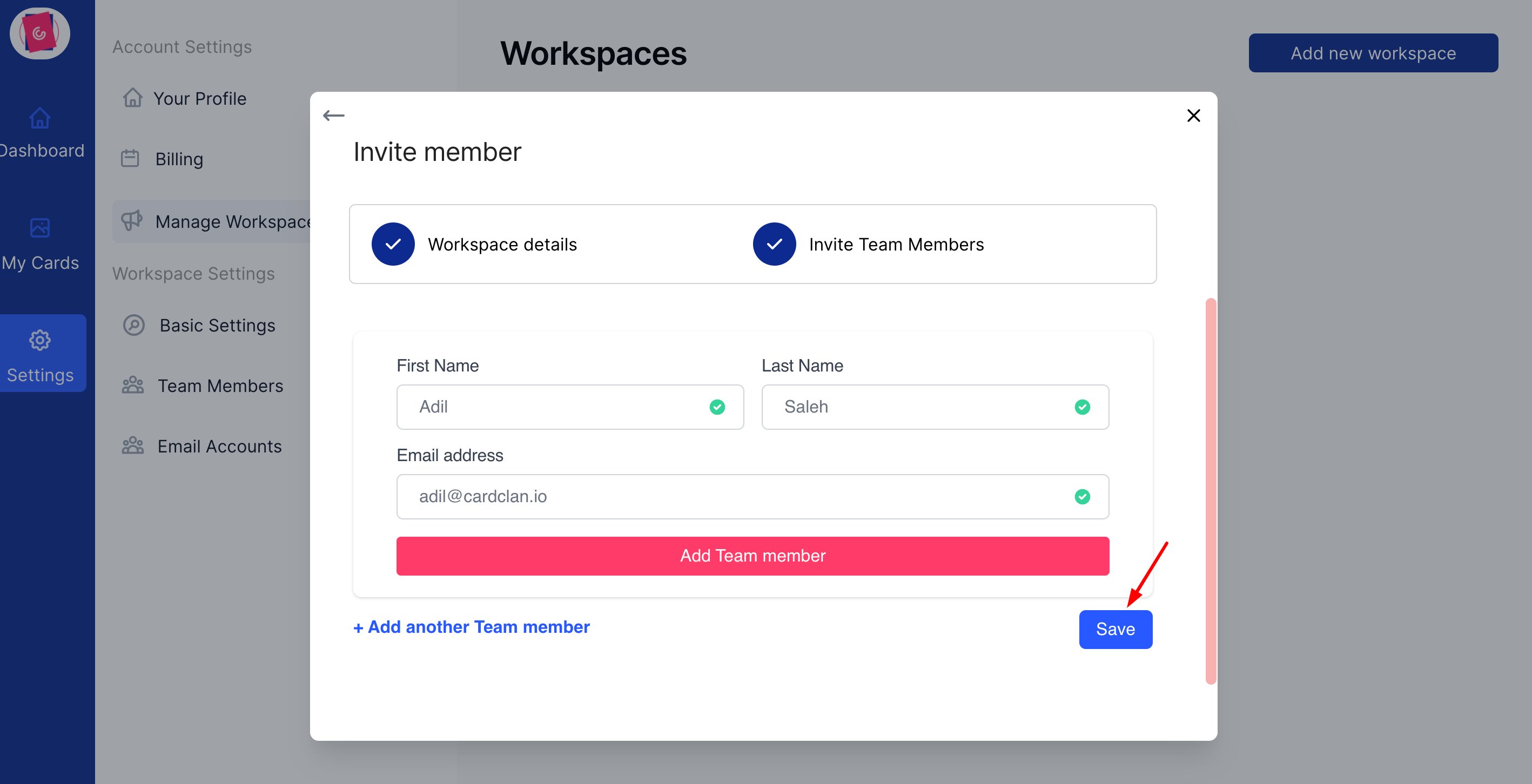
Step 4: Add team members
Add new team members to the workspace (If you don’t want to add a team member just click “Save”) and your workspace will be created.