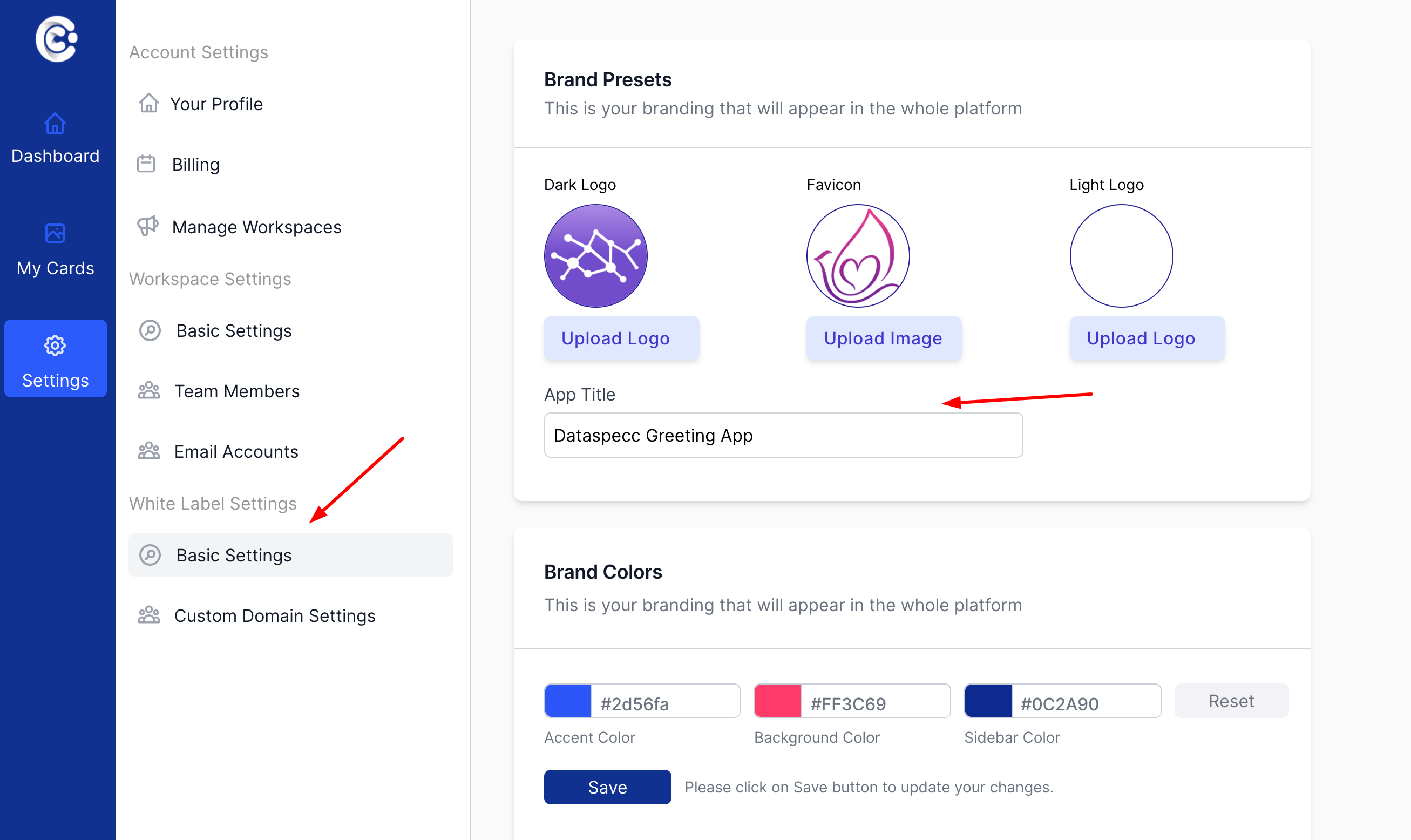
Step 1: Access Domain Settings
First of all, navigate to the settings from the top right corner of your dashboard.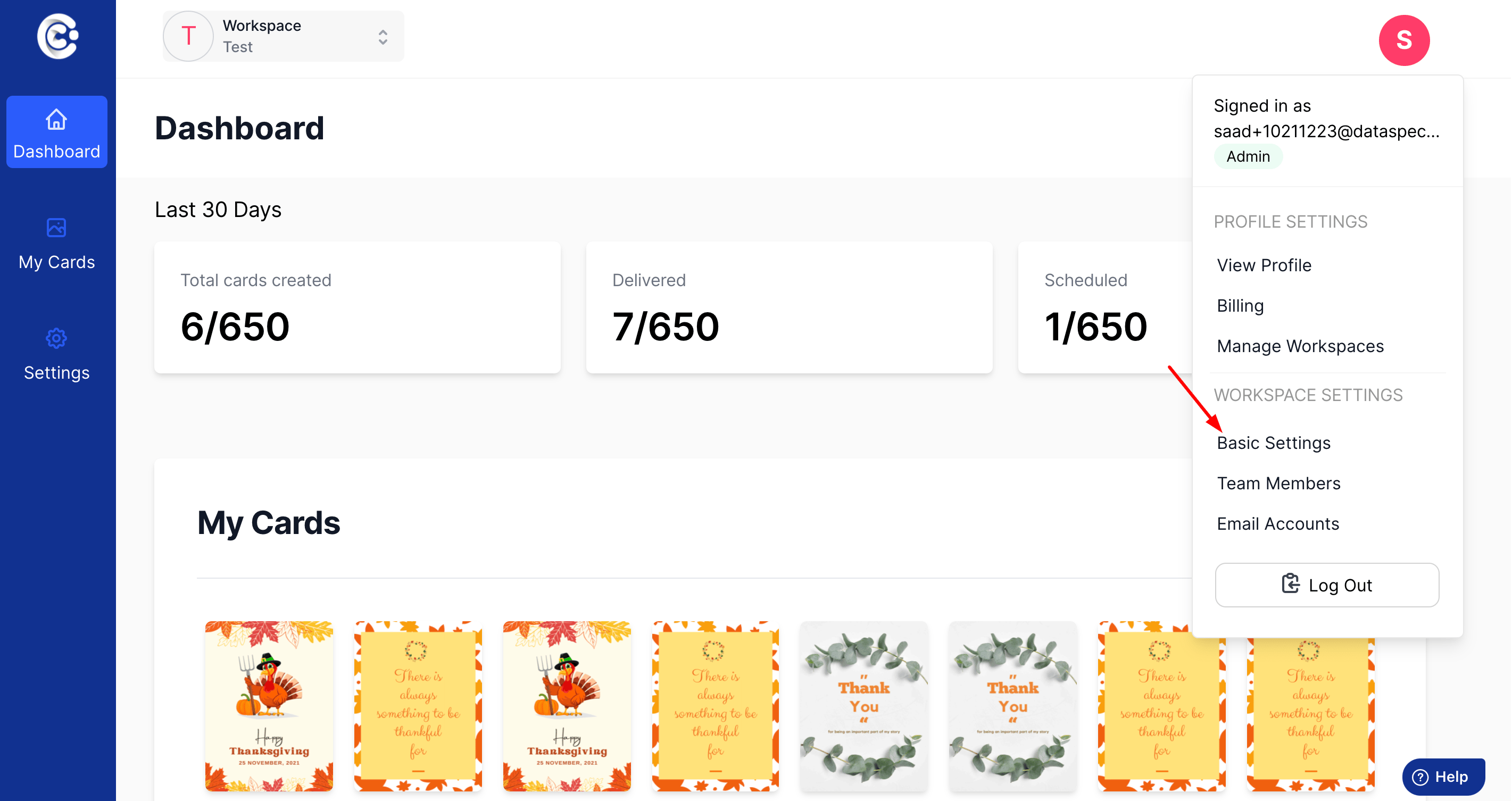
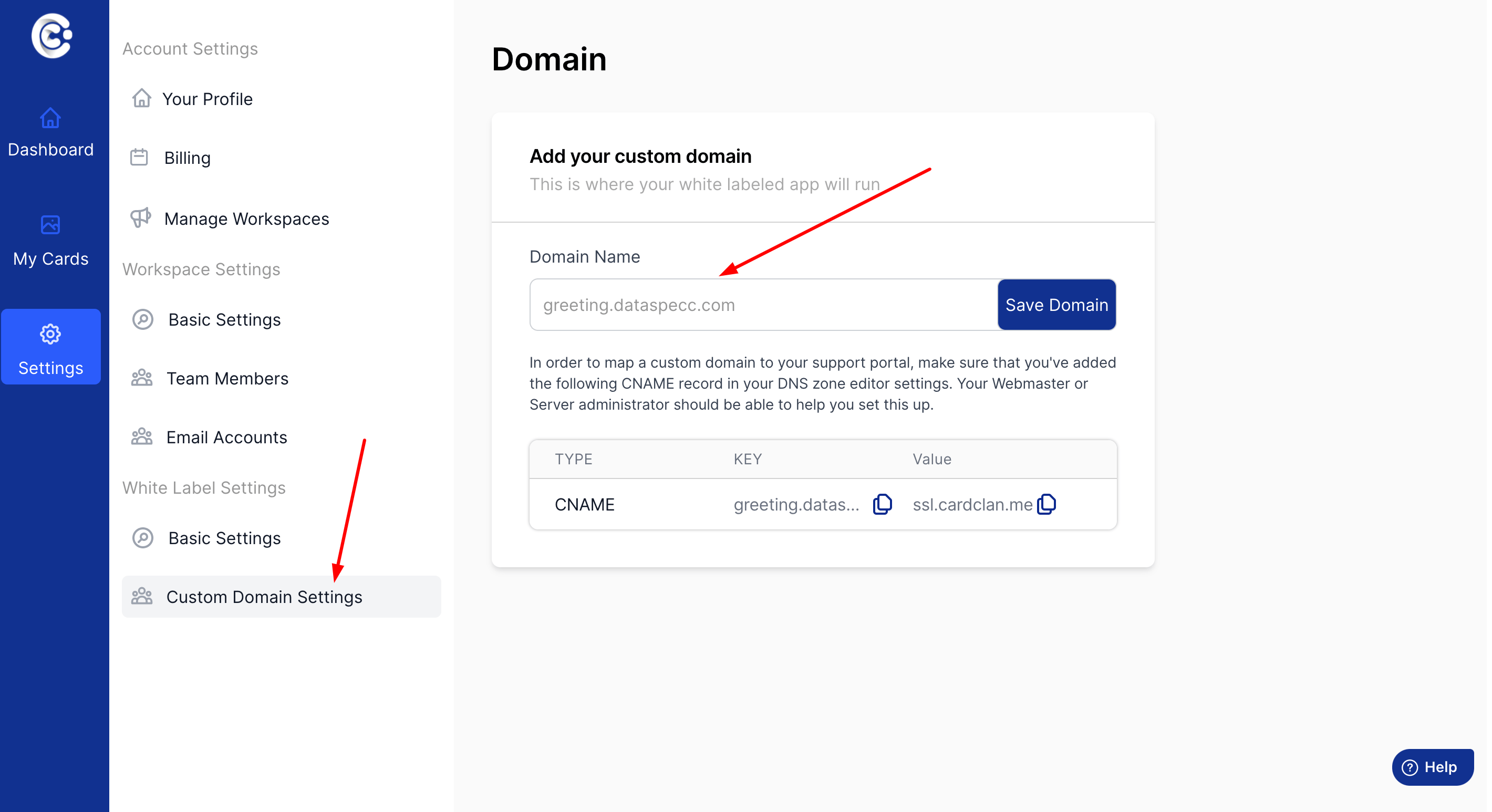
Step 2: Add Your Domain
Now you will see an option to add the domain name that you want to connect. For example, in our case we connectedgreeting.dataspecc.com. Once you add the domain you will see that it is successfully connected.


Step 3: Configure DNS Records
Now go to the hosting provider of your domain (for example, GoDaddy or Namecheap) and add a CNAME record for your subdomain:- Key/Name: Your subdomain (e.g.,
greetingforgreeting.xyz.com) - Value/Points to:
ssl.cardclan.me
Step 4: Verify Setup
After the domain has been set up, wait for 24 hours and then open your custom link. All of your branding and settings should show there.- Cards sent from your custom domain will hold your branding - Cards sent from
app.cardclan.io will have CardClan brandingBranding Settings
You also have the option to customize the look and feel of the platform by adding your own logo and App title that will appear in the browser, emails, and login pages.